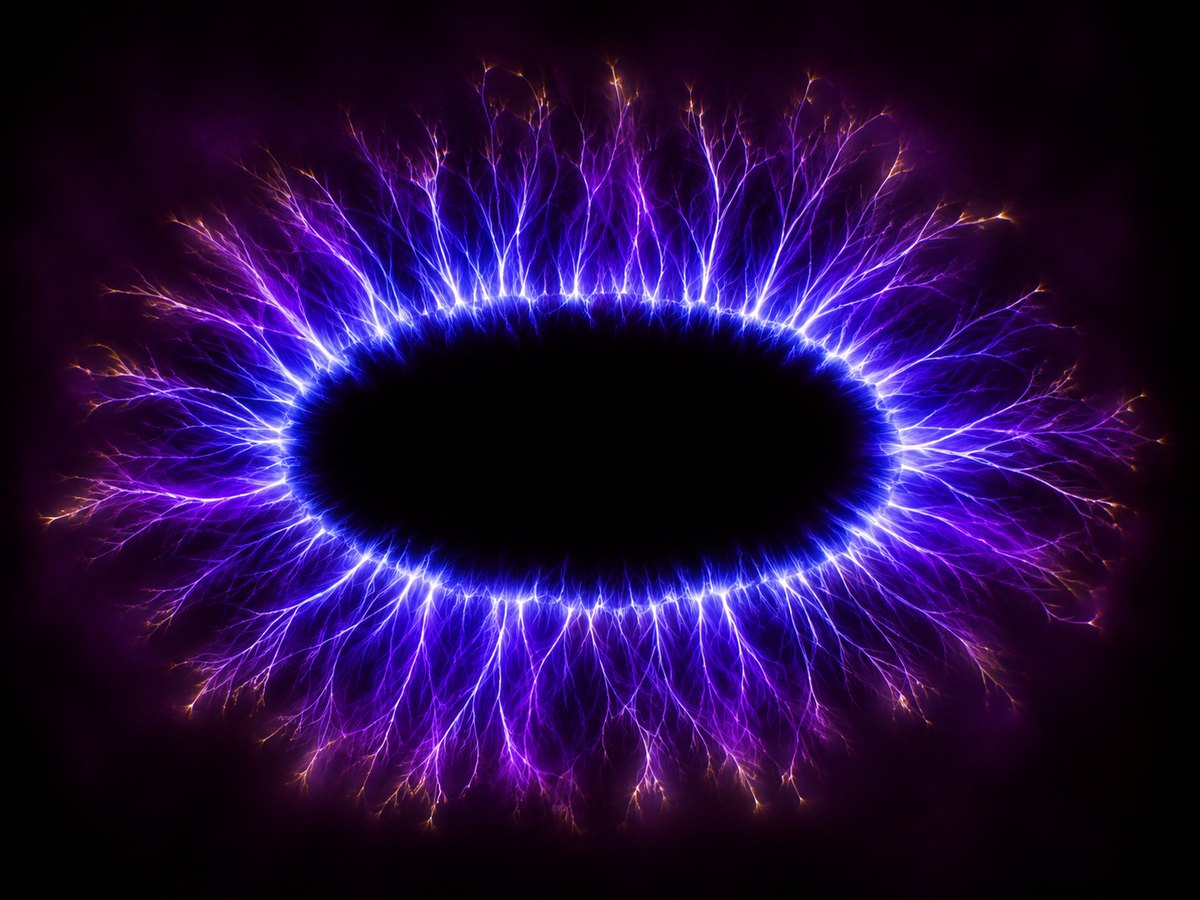
Put your fingertip on a small glass window, a pulse fires for a split second, and a ring of violet light appears around the print of your finger on a screen. That is the moment most people remember from their first Bio-Well scan. The image is striking, and it is easy to read too much into it, so it helps to know exactly what the device does, what it does not do, and how it differs from the colorful aura photos you see at fairs.
What the Bio-Well is
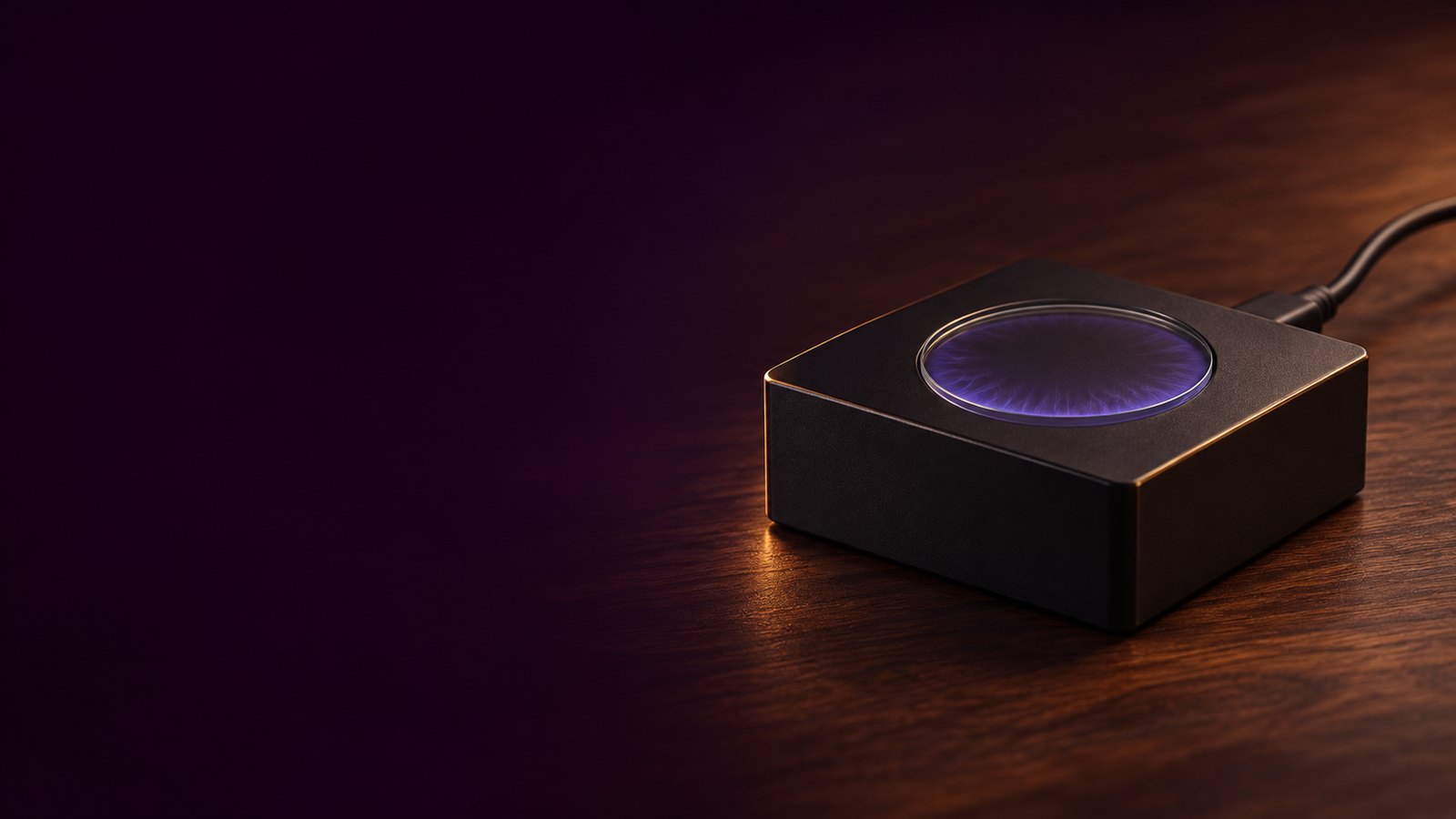
The Bio-Well is a compact camera sold by the US company Bio-Well, LLC. It uses a technique called Gas Discharge Visualization, or GDV. According to Bio-Well's own explainer on GDV cameras, the same technique also goes by the names electro-photonic imaging and bioelectrography, and in its earlier, film-based form it was known as Kirlian photography.
The company credits the modern version to Professor Konstantin Korotkov, a physicist at Saint Petersburg State University. Bio-Well's history page says that in 1995 he replaced photographic film with a CCD camera and computer analysis, which turned a photographic curiosity into images that software could measure.
A Bio-Well kit, according to the maker's product page, includes the camera, a calibration cylinder, a pack of single-use filters, a hard travel case and a USB cable. The camera does nothing on its own; it needs Bio-Well's software, which runs on a paid subscription.
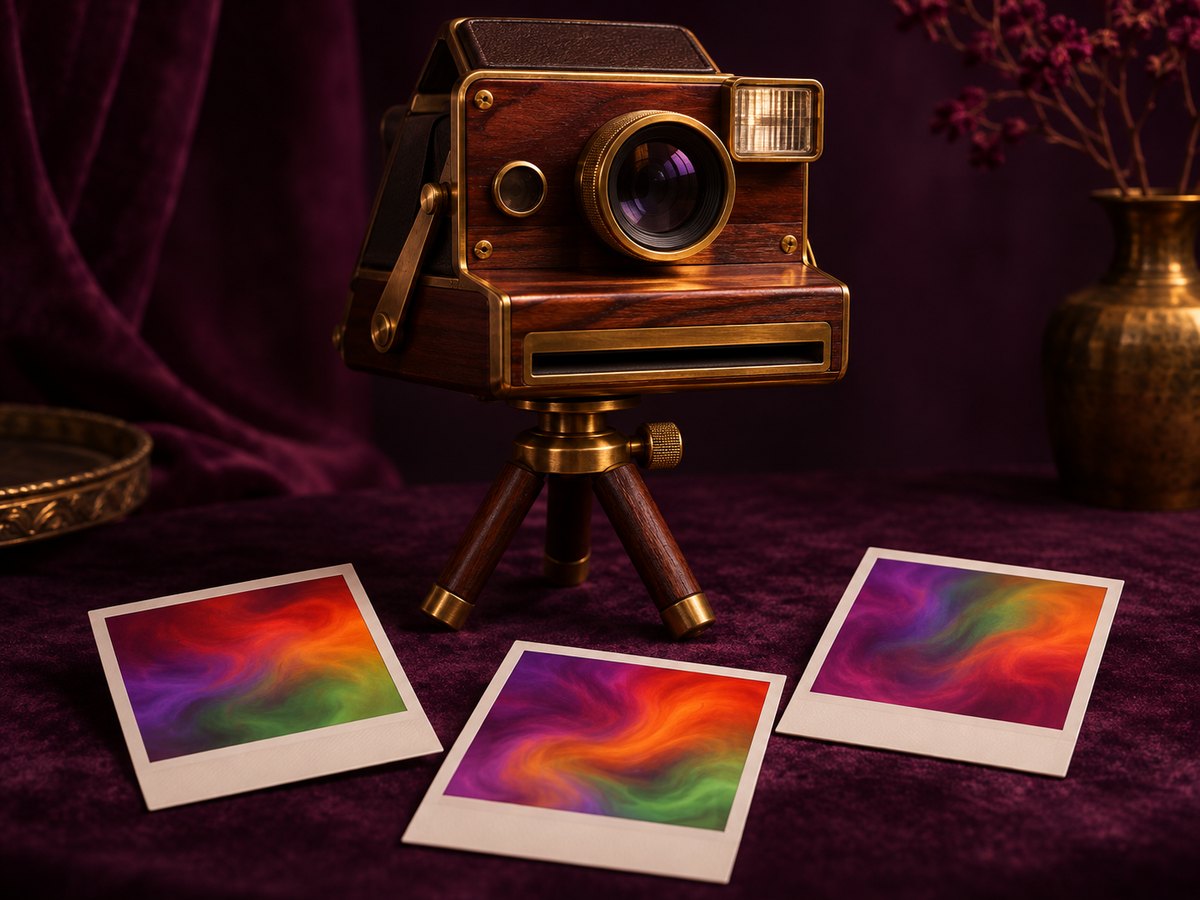
How a Bio-Well scan works, step by step
Bio-Well's article on photon emissions breaks the physics into four stages. In plain words:
- A brief pulse. You rest a fingertip on a glass electrode. The device applies a very short, high-voltage electromagnetic pulse to the glass beneath it. Bio-Well describes it as 10 kV at 1024 Hz, at a current measured in microamperes, and its GDV explainer gives the pulse length as roughly 10 to 15 microseconds.
- Electrons leave the skin. The field pulls electrons from the surface of the skin. They collide with the air molecules in the thin gap around the fingertip.
- The air glows. Those collisions excite and ionize the gas, and as it settles it gives off visible light. This is a corona discharge, the same family of glow you see inside a plasma ball.
- The camera records it. A CCD camera under the glass captures the glow, and the software measures its area, brightness and shape.
Bio-Well is unusually candid about one point. In the same article, it says the glow comes from ionized gas, "not a pre-existing field being made visible." In other words, the device creates the light it photographs. What that light is taken to mean is a separate layer of interpretation.
From fingertips to a report
A full session scans all ten fingers. The maker says each fingertip takes a few seconds and the whole capture is done in about a minute. The software then maps sections of each fingertip image to body systems and chakras using a framework drawn from Traditional Chinese Medicine meridians, and produces a 24-page report of what the company calls energy, stress and balance readings.
What a Bio-Well can and cannot tell you
This is the most important section of this guide. The Bio-Well is not a medical device and it does not diagnose anything. Bio-Well says so itself. Its FAQ answers "Is Bio-Well a diagnostic tool?" with a plain no, says it should not be used as one, and tells users to consult their doctor for any health-related questions. Its Bio-Well 3.0 article describes it as a wellness assessment device rather than a medical diagnostic instrument, and adds that the certifications it lists relate to electrical safety and manufacturing, not to what the readings mean.
The glow itself is sensitive to ordinary physical conditions. Wikipedia's article on Kirlian photography notes that corona images are strongly affected by the voltage and frequency of the pulse, how hard the finger presses, local humidity, grounding, and moisture, oils and sweat on the skin. Bio-Well's own guide for first-time clients tells you to come with clean, dry hands, to skip hand lotion beforehand and to remove rings and bracelets, for the same reasons.
So the fair way to use a Bio-Well is as a reflective tool. Many practitioners use it to start a conversation, or to compare a scan at the start of a session with one at the end. If anything in a report worries you, the right next step is your doctor, not another scan.
Bio Well vs an aura camera: how they differ
The two get lumped together, but they work in completely different ways, and that difference shapes what you are looking at.
How an aura camera works
The classic aura camera was developed by the American inventor Guy Coggins in the 1970s. According to WIRED's 2011 piece on aura portraits, the sitter rests each hand on a box fitted with biofeedback sensors. A data box converts the readings into colors, the camera makes a normal instant-film portrait in a two-second exposure, and a second exposure of six to eight seconds lays clouds of color over it. Photoworks, the UK photography organization, notes that the readings rest mainly on skin resistance, the same measure a lie-detector galvanometer uses. NPR's Picture Show summed it up as hands on sensors that read things like temperature and electrical signals, which the camera then translates into color.
The key differences
- What is captured. A Bio-Well photographs a real glow of ionized air around a fingertip. An aura camera photographs your face and adds color chosen by software from hand-sensor readings.
- Where the color comes from. Bio-Well's glow is light that actually happens on the glass. The colors in an aura photo are assigned, and NPR noted it is not clear how the meaning of each color was decided.
- What you take home. An aura session usually ends with a portrait and a color reading. A Bio-Well session ends with fingertip images and a multi-page report.
- Who it suits. Aura photos are a joyful keepsake and a fun way to talk about mood and color. A Bio-Well suits people who want repeatable images to compare over time.
Neither one shows a literal energy field around the body. Both are tools people use for reflection, and both are most enjoyable in that spirit.
Getting a good scan and caring for the camera
- Prepare your hands. Wash with soap and water and dry thoroughly. Skip lotion. Take off rings and bracelets.
- Settle first. The maker suggests relaxing for about five minutes before scanning, since the reading reflects your state at that moment.
- Keep the pressure even. Since pressure changes the glow, practice the same light, steady touch on every finger and every visit.
- Calibrate. The product page lists monthly calibration with the included cylinder.
- Clean gently. The FAQ says to clean the glass with a gentle lens cleaner and a soft cloth, then let it air dry completely before scanning again.
Who should check first
Bio-Well says the scan should not hurt, and its first-timer guide says some people feel slight warmth or tingling while most feel nothing. Even so, if you have a pacemaker or another implanted electronic device, or you are pregnant, ask your doctor before any scan that passes current through the skin, and tell the practitioner before you start.
Is a Bio-Well worth it for you?
If you are a practitioner who likes visual tools, or a curious person who enjoys tracking how you feel over months, a Bio-Well can be a fascinating addition. If you just want to see your colors once, an aura photo session at a local shop is a lighter way in. You can see the Bio-Well alongside other pieces in our biofield imaging section. Whichever you choose, enjoy the images for what they are: a beautiful picture of a moment, not a verdict on your health.
Quick answers
How does the Bio-Well work?
You rest a fingertip on a glass electrode and the device fires a very brief high-voltage pulse. Electrons leave the skin and excite the air around the fingertip, which gives off a faint glow called a corona discharge. A CCD camera under the glass records it and software measures the image.
Is the Bio-Well a medical device?
No. Bio-Well describes it as a wellness assessment device, not a medical diagnostic instrument, and its FAQ says it should not be used as a diagnostic tool. For any health question, talk to your doctor.
What is the difference between a Bio-Well and an aura camera?
A Bio-Well photographs a real glow of ionized air around each fingertip. A classic aura camera takes a portrait and overlays colors chosen by software from hand-sensor readings such as skin resistance. Neither shows a literal energy field around the body.
How should I prepare for a Bio-Well scan?
Wash and dry your hands, skip hand lotion, and remove rings and bracelets, as Bio-Well recommends. Sit quietly for a few minutes first and use a light, even touch on the glass, since pressure and moisture both change the image.